Tesla transport mode vs tow mode is mostly a naming problem. Transport Mode is the in-car setting used when a Tesla must roll for loading. “Tow mode” is often shorthand, but it may describe something different in the car’s documentation. Check the owner instructions for your exact vehicle and software before changing anything.
Tesla transport mode vs tow mode: two names, one job
Transport Mode and tow mode aren’t safe terms to treat as interchangeable. Transport Mode refers to a controlled state used while moving the disabled car onto recovery equipment. It lets the operator prepare the vehicle to roll instead of fighting its normal parking behavior.
The phrase “tow mode” creates confusion for two reasons. First, drivers often use it as a casual name for Transport Mode. Second, similar wording may appear around trailer-related features on certain vehicles. Those features serve a different purpose from loading the Tesla itself.
The practical distinction is simple. If your Tesla is the disabled vehicle, the operator may ask about Transport Mode. A trailer feature isn’t a substitute. Selecting something with “tow” in its name doesn’t confirm that the wheels are ready for loading.
The exact label and controls can vary. Software changes can also make an old video or forum post misleading. That’s why this guide doesn’t give a memorized menu path. Open the owner documentation tied to your car, then find its current towing or transport instructions.
Tell the operator what the documentation calls the setting. Let the operator confirm the loading plan before you enable it. That keeps both of you working from the same instructions.
Transport Mode also isn’t permission to pull the car in any convenient way. The owner documentation still controls the approved transport method. For many recovery calls, a flatbed towing operator is the appropriate person to assess the vehicle and loading conditions.
Getting the car to roll when the screen still works
A working touchscreen gives you access to the car’s own controls, but don’t start tapping through menus while the operator is still positioning equipment. Keep the vehicle secured until the driver explains what needs to move and when.
Begin with the owner documentation for your exact Tesla. Use the copy associated with the vehicle instead of a screenshot from another model. Confirm that you’re reading instructions for transporting the car, not pulling a trailer.
Transport Mode is temporary. Its purpose is to let the vehicle roll during a controlled loading process. It doesn’t turn a disabled car into something that should be pushed through a garage or coast down a ramp.
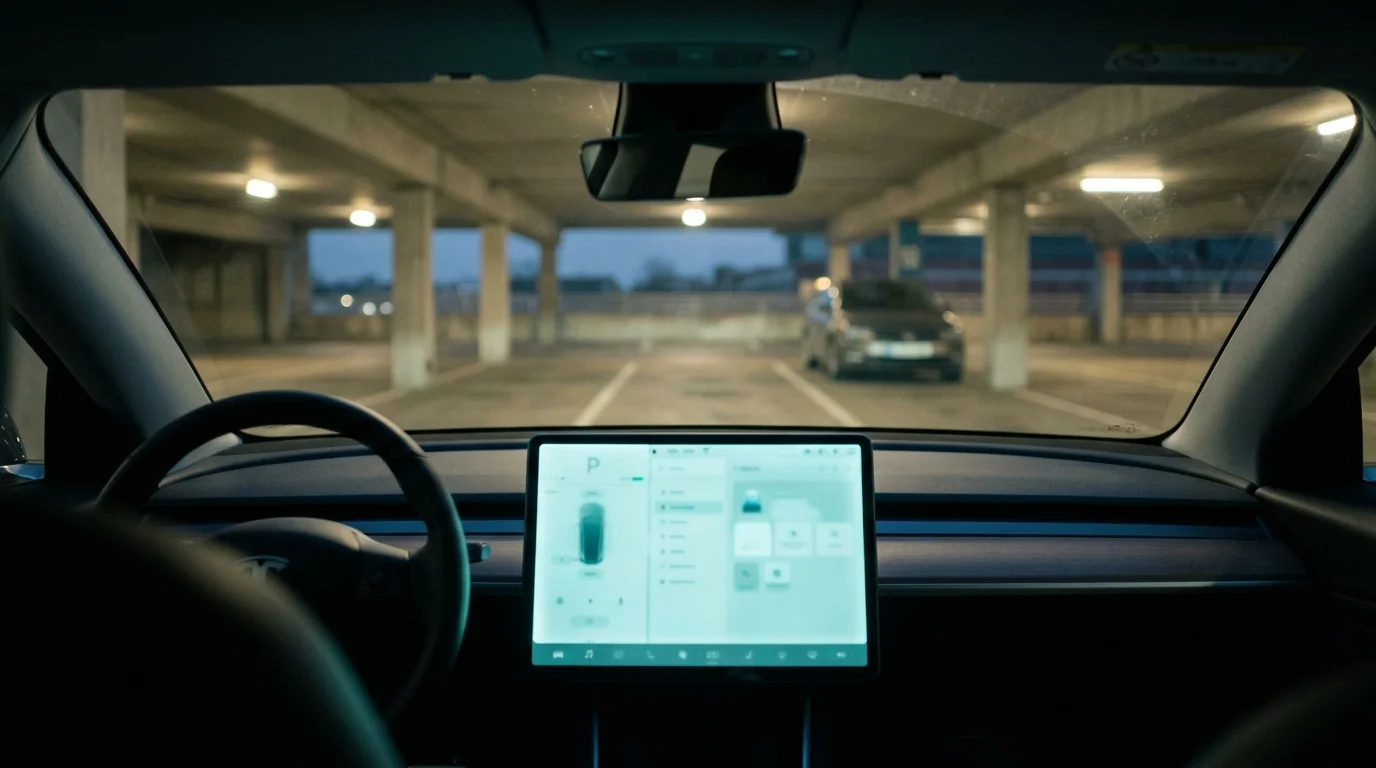
The surrounding space matters too. A Tesla stopped inside an International Drive parking garage may have tight turns, concrete columns, wheel stops, and a low ceiling. Tell the operator about those limits before equipment enters the structure. Mention whether the car faces a wall or sits on a slope.
Don’t enable the mode early and leave the car unattended. Stay clear of its path, and don’t stand between the Tesla and the recovery vehicle. The operator should confirm that the car is ready before any pull begins.
Watch the screen for warnings or a change in vehicle status. If the car doesn’t behave as expected, stop. Don’t keep repeating steps from an unrelated online video. Return to the current owner documentation and let the operator reassess.
If the breakdown creates an immediate access or traffic problem, our emergency towing service connects callers with a local operator. Explain that the touchscreen works and that the vehicle may need Transport Mode for loading.
When the car is dead and the screen is black
A black screen changes the job. You may not be able to reach Transport Mode through the normal in-car controls. Don’t guess at hidden releases, electrical connections, or procedures copied from another Tesla.
Start by telling the operator exactly what you see. Say whether the screen is fully black, whether doors open normally, and whether the wheels appear locked. Mention any collision damage, standing water, smoke, unusual heat, or exposed components. Don’t touch damaged wiring or open covers to investigate.
A dead display doesn’t mean the car can simply be dragged. Locked wheels can change how the operator approaches loading. The operator may need different recovery equipment or a different position for the truck. That decision belongs to the person inspecting the vehicle on scene.
If the car is underground, share the garage entrance height and the vehicle’s location. A tight Winter Park garage requires a different approach from an open Lake Nona parking lot. Photos of the entrance, turns, and space around the Tesla can help the operator understand access.
Avoid forcing the steering wheel or trying to push the car with another vehicle. Don’t crawl beneath it to search for a manual release. If the owner documentation provides an emergency process, follow only the version matching your vehicle. Have the operator confirm it before you begin.
A storm adds another concern. If the Tesla stops near standing water at an I-4 underpass, move yourself to a safe location. Don’t enter the water to reach the vehicle. Describe the water and road position when requesting help.
Why it matters even though it is going on a flatbed
A flatbed carries the Tesla after loading. The car still has to travel from the pavement or parking space onto that bed. Transport Mode matters during that short movement.
Without the correct vehicle state, one or more wheels may resist rolling. The operator then has to account for that resistance instead of assuming the car will follow the winch line normally. Skipping the check can complicate loading and create avoidable tire movement across the surface.
The word “flatbed” also doesn’t settle every transport question. The vehicle’s position, wheel condition, steering, ground clearance, and surrounding space all affect the approach. A car resting against a curb needs a different assessment from one centered in a level parking space.
Transport Mode doesn’t replace securement. It also doesn’t tell the operator where the approved attachment or tie-down points are. Those details must come from the current owner documentation and the operator’s inspection.
This is why a clear handoff matters. Tell the driver which instructions you found, what the screen displays, and whether you changed any setting. Don’t say the car is “in tow mode” without explaining what you actually selected. That phrase can mean different things to different people.
Once the Tesla reaches the loading position, follow the operator’s direction. Don’t change settings, open doors, or step near the equipment unless asked. If the car changes state or displays a new warning, speak up immediately.
For a wider look at approved transport concerns, read can a Tesla be towed normally. The main point remains the same: the vehicle’s current documentation should guide the operator’s method.
The five minutes before the truck arrives
Use the waiting time to gather accurate information. Don’t spend it experimenting with controls. A short, clear vehicle report helps the operator prepare for the actual conditions.
Open the owner documentation and locate its transport or roadside section. Check the exact model shown in the document. Keep that page available so the operator can review the wording with you. Don’t rely on memory after closing it.
Next, collect the key card, phone key, or other access item you normally use. Make sure personal belongings aren’t blocking the driver’s area. Don’t remove parts, panels, or covers while waiting.
Take several useful photos if you can do so safely. Show the car’s position, all four wheels, nearby curbs, garage columns, and the route to the nearest open area. Include the garage entrance if clearance may be limited. Avoid standing in a traffic lane for a better angle.
Write down what happened before the car stopped. Note whether the screen works, whether the vehicle shifts, and whether any wheels appear damaged. Report what you observed without diagnosing the cause.
On an I-4 shoulder, stay away from moving traffic. The FDOT Road Rangers can help move disabled vehicles from travel lanes, but they don’t provide the final tow away. FL511 provides current Florida traffic and incident information.
Our guide on what to do after breaking down on I-4 covers the roadside steps in more detail. Your location and safety come before Transport Mode.
When the operator reaches the vehicle, explain every setting you changed. Show the documentation you used. Then let the operator confirm the next step before the Tesla rolls.
When to call us
Call when the Tesla won’t move, the screen is unavailable, or the loading conditions aren’t clear. Quick Tow Orlando takes calls at any hour, dispatches Monday to Friday from 8 a.m. to 10 p.m., and connects you with a local tow operator who can assess the vehicle on scene. Call us at (321) 321-9797.